
Theme
Brand kits
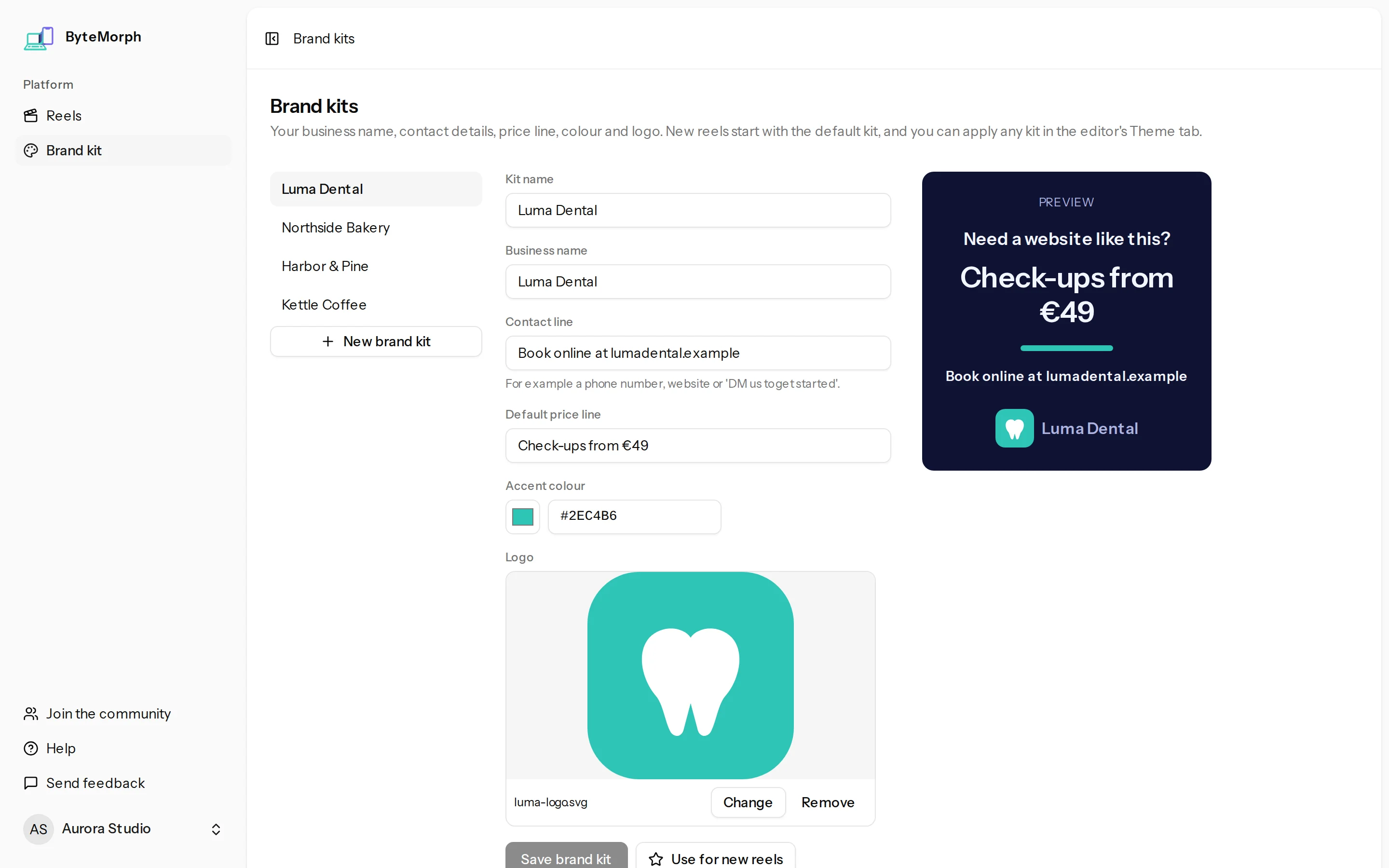
A brand kit holds a business's logo, accent colour, name, contact line and price line, so every reel for that client starts on brand.
Steps
- Click Brand kit in the sidebar.
- Add the business name, the contact line (like "Book online at example.com"), the price line, the accent colour and the logo.
- Make it the default to use it for new reels.
- To use a kit in an existing reel, open the Theme tab in the editor and choose it under Apply a brand kit.
What a kit fills in
- The logo on the call to action and on 3D laptop lids.
- The accent colour across the reel.
- The business name, contact and price line on the call to action.
Tips
- Changing a kit later doesn't change reels you already made.
- Pro includes 1 brand kit and Agency 5, for different clients. Free has none, but you can still set a logo and colours in each reel's Theme tab.