Theme
Managing your subscription
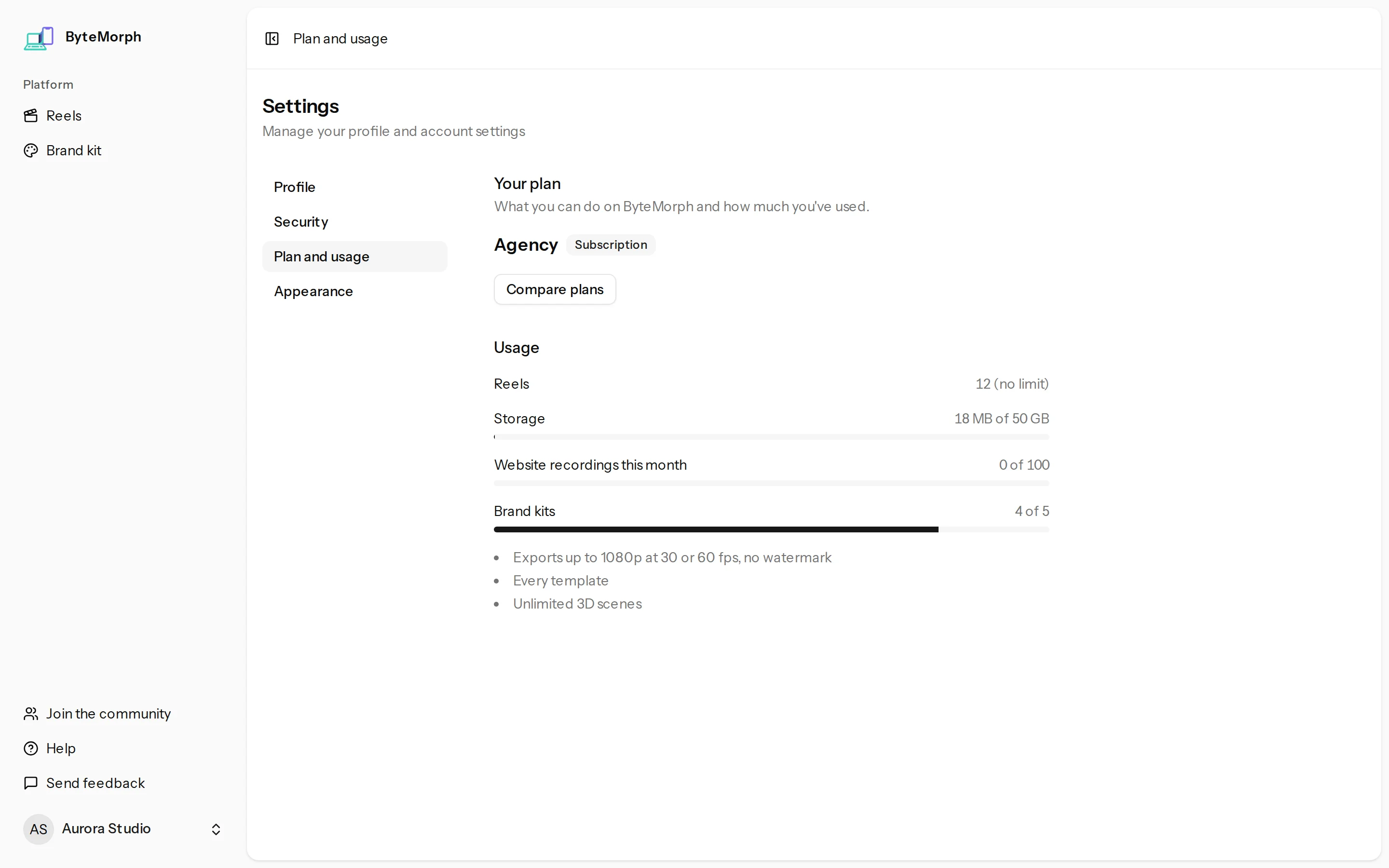
Everything about your plan is in Settings, then Plan. Payments are handled by Paddle, our merchant of record.
Upgrade
- Open the pricing page from See plans in the app.
- Pick a plan and monthly or yearly, then pay in the Paddle checkout.
- Your plan changes within a few seconds.
Change, cancel or restart
- Change plan or billing period: pick another plan on the pricing page. Paddle charges or credits the difference for the rest of the period.
- Cancel: click Cancel subscription. You keep your plan until the end of the period you paid for, then move to Free.
- Changed your mind: before the period ends, click Keep my subscription.
Payments and invoices
- Manage billing and invoices opens Paddle, where you can update your card and download invoices.
- If a payment fails, a line at the top of the app links to Update payment method. You keep your plan while Paddle tries again.
Refunds
First purchases can be refunded within a short time if you have only exported a few videos. The refund policy has the details.